Server-Side Tracking QA for E-commerce Conversion Events
Last reviewed: 2026-05-10. This is a deep EskiLab implementation guide for server-side tracking QA. It is written for teams that need operational reliability, not a surface-level definition.
Bad tracking does not just make reports wrong. It can train ad platforms on the wrong conversion signals.
What this guide is designed to do
This guide helps teams make e-commerce conversion tracking more reliable before using it for ad optimization or reporting decisions. It focuses on the operating decisions behind the system: ownership, data contracts, failure modes, QA scenarios, monitoring, and the point where automation should stop and review should begin.
Who should use this
E-commerce marketers, developers, analytics teams, shopify operators, and agencies managing ga4, meta capi, google ads, or server-side tag setups should use this as a production planning and QA reference. It is especially relevant when the workflow affects customers, analytics, public pages, revenue, product data, or long-running automation.
Executive summary
A reliable server-side tracking QA system defines the operating contract, validates inputs before action, tests failure modes, monitors drift after launch, and documents ownership so the workflow can be maintained without guesswork.
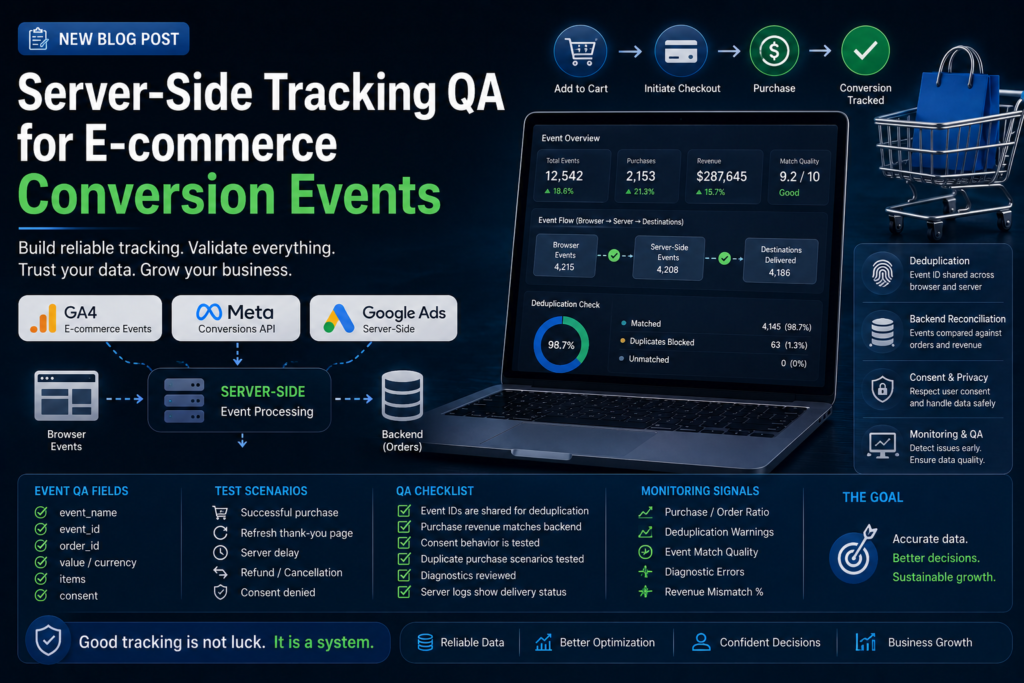
Deduplication is the first QA layer
Server-side tracking often runs beside browser tracking. That means the same purchase or lead may be sent twice unless browser and server events share an event ID or platform-specific deduplication key. Deduplication should be tested before performance is judged.
A clean event strategy defines event name, event ID, order ID, user data policy, consent behavior, value, currency, item array, and destination platform mapping.
Reconcile against backend truth
Do not judge purchase tracking only inside GA4 or ad dashboards. Compare event count and revenue against backend orders. Expect minor differences in some systems, but large gaps or duplicates should be investigated before budget decisions are made.
Reconciliation should include normal purchase, failed payment, duplicate thank-you page visit, refund, cancellation, and delayed server event scenarios.
Consent and data handling
Server-side does not remove privacy responsibility. Review consent rules, user data fields, hashing requirements, regional settings, and platform policies before sending identifiers. Do not send more data than the use case requires.
Event QA fields
| Field | Why it matters | QA check |
|---|---|---|
| event_name | Platform mapping | Matches required names |
| event_id | Deduplication | Same across browser and server |
| order_id | Reconciliation | Matches backend order |
| value/currency | Revenue accuracy | Matches order total rules |
| items | Product analytics | IDs and quantities valid |
| consent | Privacy handling | Respects user state |
Test scenarios
| Scenario | Expected result | Risk caught |
|---|---|---|
| Successful purchase | One purchase counted | Basic functionality |
| Refresh thank-you page | No duplicate purchase | Duplicate browser events |
| Server delay | Event still accepted | Timing issue |
| Refund | Refund logic documented | Revenue mismatch |
| Consent denied | Restricted data handling | Privacy issue |
Implementation workflow
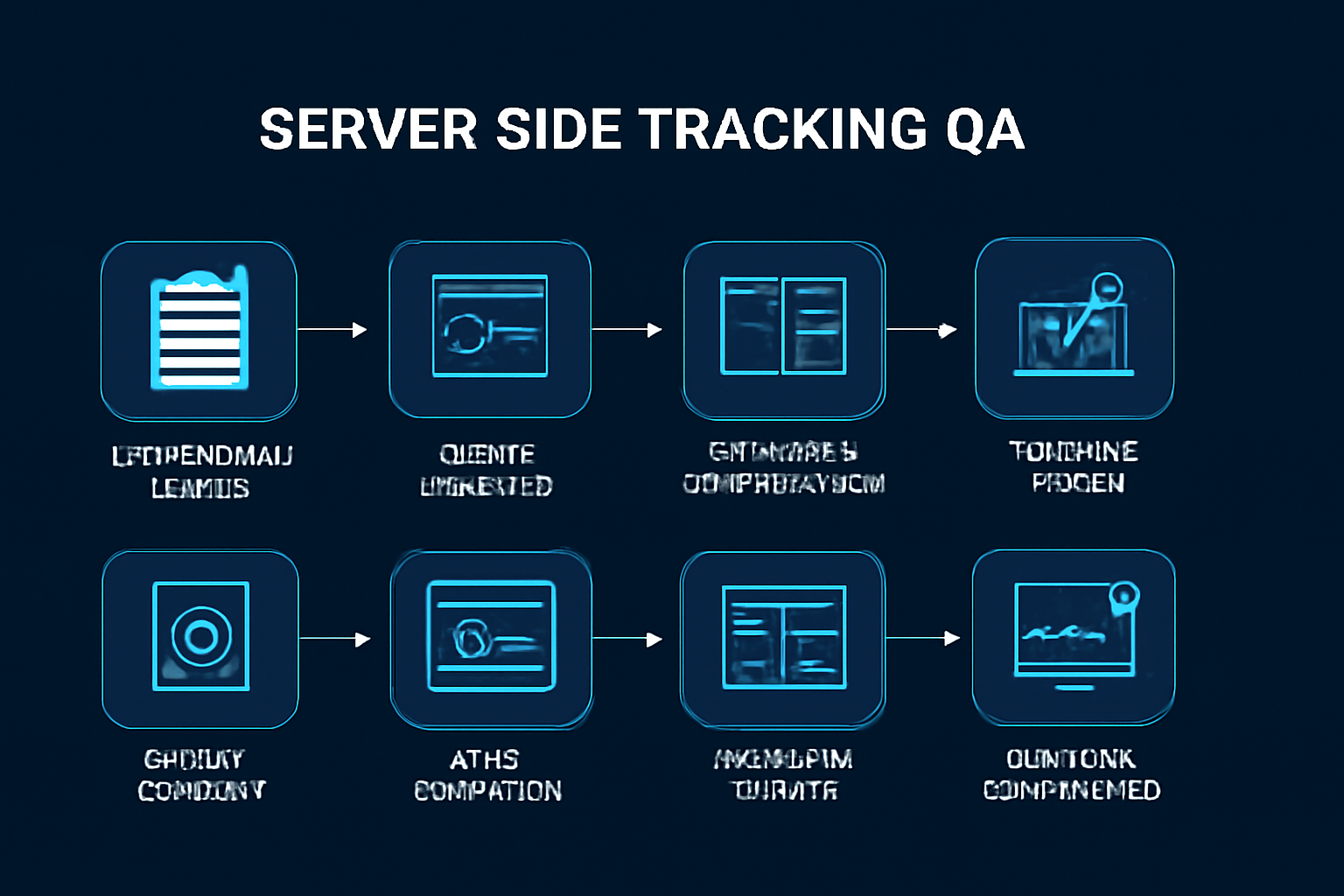
- List required events and platform mappings.
- Define event IDs and order IDs before deployment.
- Configure browser and server events for deduplication where applicable.
- Validate value, currency, and item fields.
- Review consent and user data handling.
- Test normal and edge-case checkout scenarios.
- Compare platform events against backend orders.
- Monitor diagnostics and event quality after launch.
Common mistakes that make this system shallow
- Sending browser and server purchases without shared IDs.
- Testing only one successful checkout.
- Ignoring duplicate thank-you page visits.
- Mapping item IDs differently across platforms.
- Sending user data without privacy review.
- Trusting ad platform totals without reconciliation.
Pre-production QA checklist
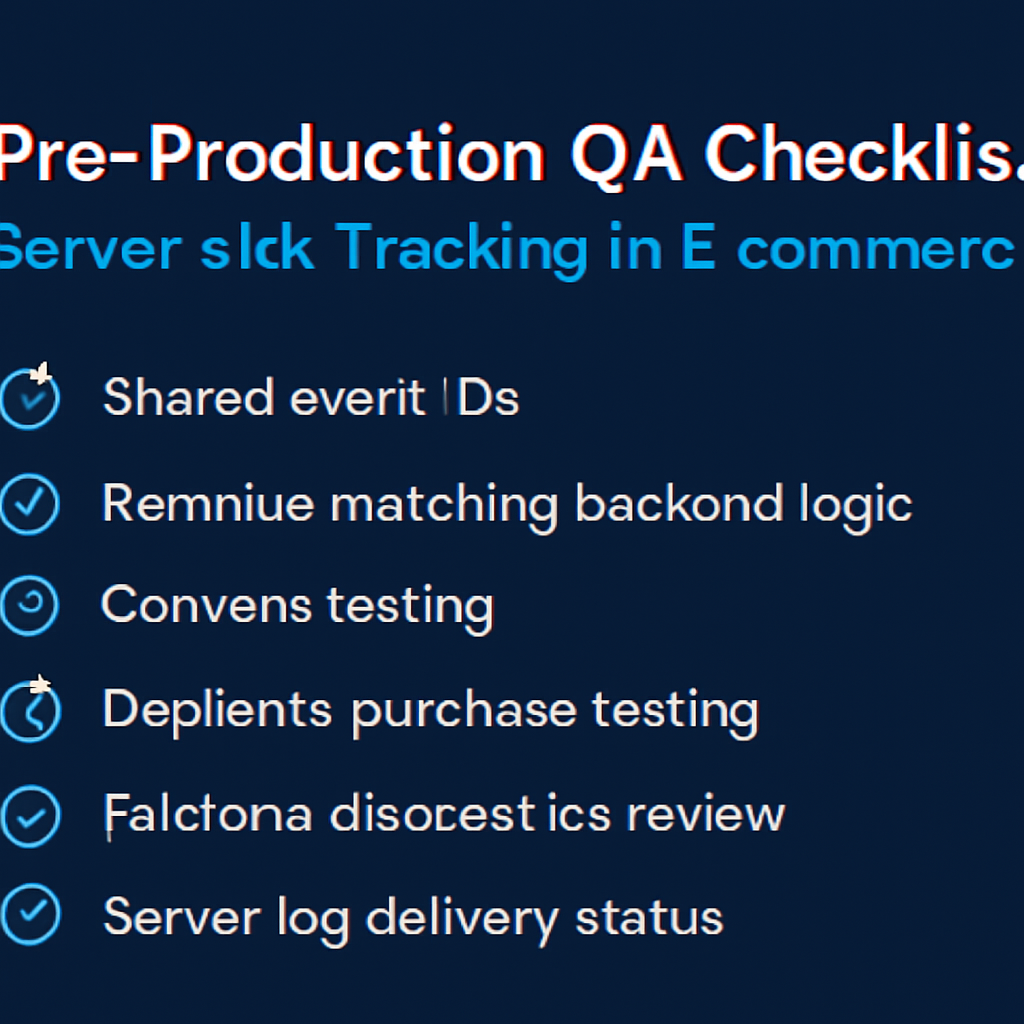
- [ ] Event IDs are shared where deduplication requires it.
- [ ] Purchase revenue matches backend logic.
- [ ] Consent behavior is tested.
- [ ] Duplicate purchase scenarios are tested.
- [ ] Platform diagnostics are reviewed.
- [ ] Server logs show delivery status.
Monitoring signals after launch
Do not judge the system only by whether the first test worked. Use ongoing monitoring to detect drift, silent failure, and operational risk.
- purchase event/backend order ratio
- deduplication warnings
- event match quality
- diagnostic errors
- revenue mismatch percentage
Incident review questions
- What exact input, event, URL, record, prompt, or action triggered the failure?
- Was the failure caused by source data, mapping, permissions, timing, platform behavior, or missing validation?
- Did the system fail safely, or did it create a downstream side effect?
- Was the issue visible in logs or only discovered by a user?
- What rule, test case, monitor, or approval step should be added so this failure is easier to catch next time?
Official documentation to check
Recommended operating standard
For server-side tracking QA, the minimum operating standard is: define the contract, test the failure modes, monitor the output, document the owner, and keep a rollback or review path. Anything less may work in a demo but will be fragile in production.
FAQ
Why is server-side tracking QA not just a one-time setup?
Because the surrounding systems change: APIs, tools, data, user behavior, plugins, prompts, feeds, and business rules. A one-time setup without monitoring becomes stale.
What is the first thing to test?
Test the failure mode that would create the most business damage: duplicate writes, wrong public pages, bad tracking, invalid feed data, unsafe AI action, or broken indexation.
Should this be automated completely?
Only low-risk, reversible steps should be fully automated. Anything that changes customer data, sends messages, publishes pages, affects payments, or modifies important SEO signals should have review, logging, or staged rollout.
How do I know the article’s system is deep enough to publish?
It should include a real operating model: data fields or rules, failure modes, QA scenarios, monitoring signals, mistakes, and official documentation references.