
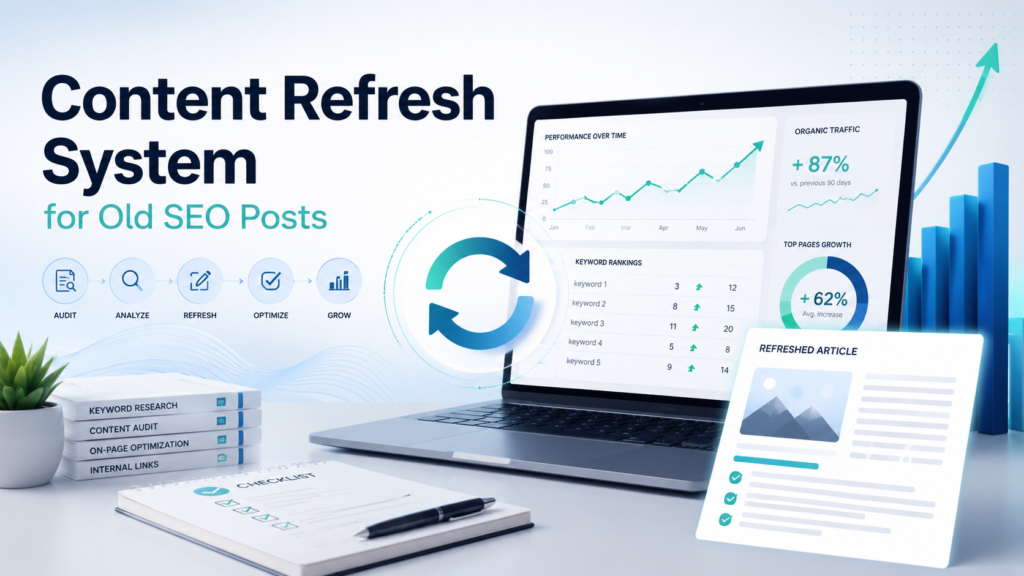
Content Refresh System for Old SEO Posts
Last reviewed: 2026-05-10. This EskiLab guide is written as a practical technical playbook, not a generic overview. It is designed to help teams build, test, fix, and monitor a working system around content refresh system.
If your team is dealing with old pages losing rankings, clicks, freshness, accuracy, or usefulness because there is no repeatable refresh workflow, the expensive mistake is usually not the first error. The expensive mistake is having no repeatable process for diagnosis, testing, ownership, and monitoring. This guide gives you a system you can adapt before the problem becomes a production habit.
What this solves
This guide helps with old pages losing rankings, clicks, freshness, accuracy, or usefulness because there is no repeatable refresh workflow. It focuses on practical implementation decisions: what to define, what to log, what to test, what to avoid, and how to know whether the system is actually working after deployment.
Who this is for
This playbook is for site owners, editors, SEO operators, content managers, and small teams maintaining WordPress, Shopify, or programmatic content libraries. You do not need a large engineering team to use it, but you do need a clear owner, a testing habit, and a willingness to document decisions instead of leaving them inside one person’s head.
Short answer
A content refresh system identifies pages with declining clicks, outdated facts, weak intent match, thin sections, cannibalization, and broken internal links, then updates them with a documented QA process.
When this problem usually happens
The issue usually appears when a workflow grows from a one-off setup into something the business depends on. A manual workaround may feel fine at low volume, but once traffic, records, events, or team members increase, undocumented assumptions become failure points.
Common triggers include platform updates, API version changes, new content batches, new product catalogs, automation retries, AI tool expansion, schema changes, or a new team member editing a workflow without knowing the original design assumptions.
Root causes and fast diagnosis
| Symptom | Likely cause | What to check first |
|---|---|---|
| Clicks declined but impressions remain | title, meta, or intent match may be weak | Rewrite SERP-facing elements and improve answer quality. |
| Rankings dropped after competitors updated | content depth or freshness is behind | Add current examples, tables, and missing sections. |
| Page is indexed but gets no traffic | low intent match or weak internal links | Improve internal linking and search intent alignment. |
| Multiple pages compete | cannibalization | Consolidate, redirect, or differentiate pages. |
Use this table as the first diagnostic layer. Do not jump directly to rewriting the whole system. In most cases, the fastest path is to isolate whether the failure comes from input data, configuration, permissions, transformation logic, timing, or monitoring gaps.
Step-by-step implementation system
- Export pages from Search Console with clicks, impressions, CTR, and average position.
- Prioritize pages with declining clicks, high impressions, or business value.
- Review current SERP intent before editing the article.
- Update outdated facts, screenshots, examples, links, and tool references.
- Add missing sections such as quick answer, table, checklist, FAQ, or examples.
- Improve internal links from related hubs and high-authority pages.
- Check title, meta description, slug stability, canonical tag, and schema.
- Record what changed and review performance after 28 days.
The important part is not only completing the steps once. The goal is to make the system repeatable. A future teammate should be able to read the workflow, understand the expected input and output, run a safe test, and know when to escalate.
Example setup
A post about Rank Math category SEO can be refreshed by adding current settings, category archive examples, internal link rules, noindex tag guidance, and a pre-publish checklist instead of only changing the publish date.
A good example setup has three layers: a safe test case, a production rule, and a monitoring rule. The test case proves the logic works. The production rule explains when it is allowed to run. The monitoring rule tells the team when the system has drifted away from expected behavior.
Common mistakes
- Changing the publish date without improving the content.
- Refreshing pages that do not have meaningful search demand.
- Editing the title without checking current intent.
- Deleting old content without redirect planning.
- Ignoring internal links and schema.
- Judging results after only one or two days.
Risks and limitations
- Large rewrites can change the page’s intent and ranking set.
- Unnecessary URL changes can break links.
- Removing sections may reduce topical coverage.
- Refreshing too many pages at once makes measurement harder.
- Outdated screenshots can reduce trust in technical content.
These risks do not mean the system should not be used. They mean the system needs boundaries. EskiLab’s standard is to define safe operating limits before scaling: what the workflow can do, what it cannot do, what requires review, and what should trigger an alert.
Testing checklist
Before treating this as production-ready, confirm the following:
- [ ] The page has a clear reason for refresh.
- [ ] SERP intent was reviewed before editing.
- [ ] Outdated facts and broken links were fixed.
- [ ] The article includes a useful table or checklist.
- [ ] Internal links were updated.
- [ ] Performance review date is scheduled.
Recommended setup
For most small teams, the recommended setup is to start with a controlled version of content refresh system, add validation before production actions, keep logs small but useful, monitor the system weekly, and update the playbook whenever a real failure teaches you something new.
Official documentation to check
Related systems
- SEO QA Checklist Before Publishing
- Internal Linking System for WordPress Sites
- Canonical Tags and Duplicate URL Control
FAQ
Is content refresh system a one-time setup?
No. Treat content refresh system as an operating system that needs review after platform updates, traffic changes, schema changes, or workflow failures.
What should I test first?
Start with the smallest safe test case, confirm the expected output, then test edge cases, failures, duplicates, and permission boundaries.
Can this system guarantee results?
No. It can reduce risk and improve consistency, but technical systems still depend on data quality, implementation accuracy, monitoring, and maintenance.
Who should own the workflow?
Assign one operational owner for the workflow, one technical owner for implementation, and one reviewer for quality or business impact when the system affects customers, publishing, or revenue.
How often should this be reviewed?
Review high-impact workflows monthly and after every major CMS, API, theme, plugin, model, or platform change.