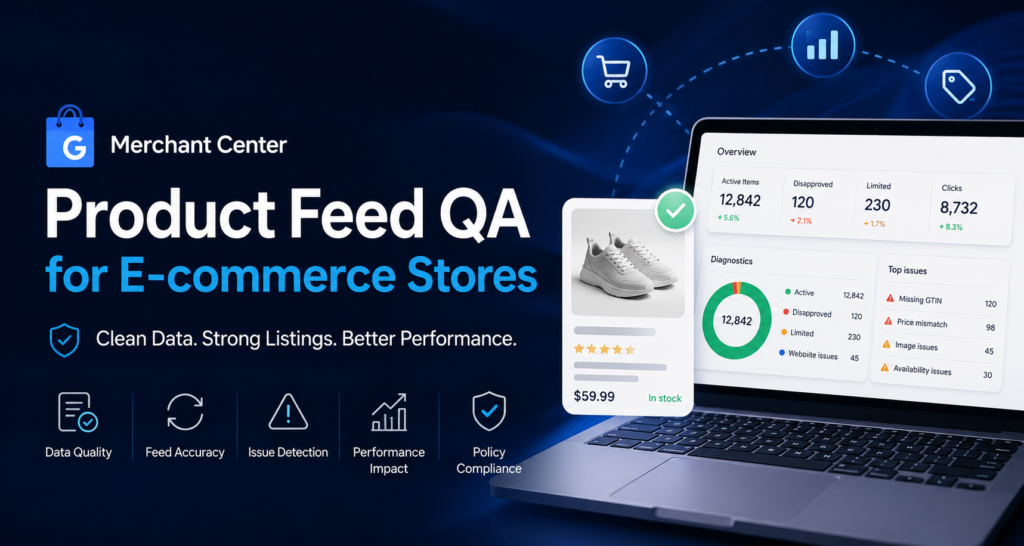
Merchant Center Product Feed QA for E-commerce Stores
Last reviewed: 2026-05-10. This is a deep EskiLab implementation guide for Merchant Center product feed QA. It is written for teams that need operational reliability, not a surface-level definition.
A product feed is a live data system, not a one-time upload. Feed quality affects ads, free listings, diagnostics, and user trust.
What this guide is designed to do
This guide helps teams prevent product feed disapprovals, price mismatches, weak listing quality, and unreliable Shopping campaign signals. It focuses on the operating decisions behind the system: ownership, data contracts, failure modes, QA scenarios, monitoring, and the point where automation should stop and review should begin.
Who should use this
E-commerce marketers, shopify teams, feed managers, google ads teams, and store owners managing product listings should use this as a production planning and QA reference. It is especially relevant when the workflow affects customers, analytics, public pages, revenue, product data, or long-running automation.
Executive summary
A reliable Merchant Center product feed QA system defines the operating contract, validates inputs before action, tests failure modes, monitors drift after launch, and documents ownership so the workflow can be maintained without guesswork.
Feed QA before campaign optimization
Do not optimize Shopping campaigns before the feed is clean. If product titles are weak, prices mismatch, availability is wrong, identifiers are missing, or images are poor, campaign data becomes harder to trust.
Start with diagnostics, but do not stop there. A product can be approved and still underperform because its title, image, category, or landing page clarity is weak.
Source-of-truth alignment
Decide where each feed value comes from. Some values come from Shopify product data, some from feed rules, some from apps, some from manual overrides. When nobody knows the source, fixes get overwritten during the next sync.
Build a field ownership table for title, description, image, price, availability, GTIN, brand, MPN, product type, Google product category, shipping, and custom labels.
Landing page consistency
Merchant Center quality depends on the feed and landing page agreeing. Price, availability, condition, product identity, and shipping-related claims should not conflict. Test the live page, not only the admin data.
Feed QA fields
| Attribute | Common issue | QA action |
|---|---|---|
| title | Too vague or duplicate | Add product type and key differentiator |
| price | Mismatch with landing page | Sync catalog and feed |
| availability | Outdated stock state | Check update frequency |
| GTIN/brand/MPN | Missing identifiers | Validate by product type |
| image_link | Low-quality or blocked | Check image access and quality |
| shipping | Missing or inconsistent | Review account settings |
Issue ownership
| Issue type | Likely owner | Fix location |
|---|---|---|
| Catalog title | E-commerce ops | Shopify product data |
| Price mismatch | Developer/app owner | Feed sync or theme |
| Policy disapproval | Marketing/account owner | Merchant Center |
| Image issue | Creative/catalog team | Product media |
| Custom label | Ads team | Feed rule or supplemental feed |
Implementation workflow
- Export Merchant Center diagnostics and product feed data.
- Group issues by attribute and severity.
- Compare price and availability against live product pages.
- Validate product identifiers where applicable.
- Review titles, descriptions, images, and product categories.
- Check shipping, return, and policy-related settings.
- Assign fix owners and source-of-truth locations.
- Recheck diagnostics after feed refresh.
Common mistakes that make this system shallow
- Optimizing ads while major feed issues remain.
- Using generic product titles.
- Ignoring price and availability mismatches.
- Fixing feed issues manually without correcting source data.
- Missing identifiers where required.
- Not checking diagnostics after app or theme changes.
Pre-production QA checklist
- [ ] Required attributes are complete.
- [ ] Price matches landing page.
- [ ] Availability matches landing page.
- [ ] Identifiers are reviewed.
- [ ] Diagnostics are grouped by owner.
- [ ] Feed refresh confirms fixes.
Monitoring signals after launch
Do not judge the system only by whether the first test worked. Use ongoing monitoring to detect drift, silent failure, and operational risk.
- disapproved product count
- limited product count
- price mismatch count
- identifier issue count
- feed refresh error count
Incident review questions
- What exact input, event, URL, record, prompt, or action triggered the failure?
- Was the failure caused by source data, mapping, permissions, timing, platform behavior, or missing validation?
- Did the system fail safely, or did it create a downstream side effect?
- Was the issue visible in logs or only discovered by a user?
- What rule, test case, monitor, or approval step should be added so this failure is easier to catch next time?
Official documentation to check
- Merchant Center product data specification
- Merchant Center structured data
- Google product structured data
Recommended operating standard
For Merchant Center product feed QA, the minimum operating standard is: define the contract, test the failure modes, monitor the output, document the owner, and keep a rollback or review path. Anything less may work in a demo but will be fragile in production.
FAQ
Why is Merchant Center product feed QA not just a one-time setup?
Because the surrounding systems change: APIs, tools, data, user behavior, plugins, prompts, feeds, and business rules. A one-time setup without monitoring becomes stale.
What is the first thing to test?
Test the failure mode that would create the most business damage: duplicate writes, wrong public pages, bad tracking, invalid feed data, unsafe AI action, or broken indexation.
Should this be automated completely?
Only low-risk, reversible steps should be fully automated. Anything that changes customer data, sends messages, publishes pages, affects payments, or modifies important SEO signals should have review, logging, or staged rollout.
How do I know the article's system is deep enough to publish?
It should include a real operating model: data fields or rules, failure modes, QA scenarios, monitoring signals, mistakes, and official documentation references.