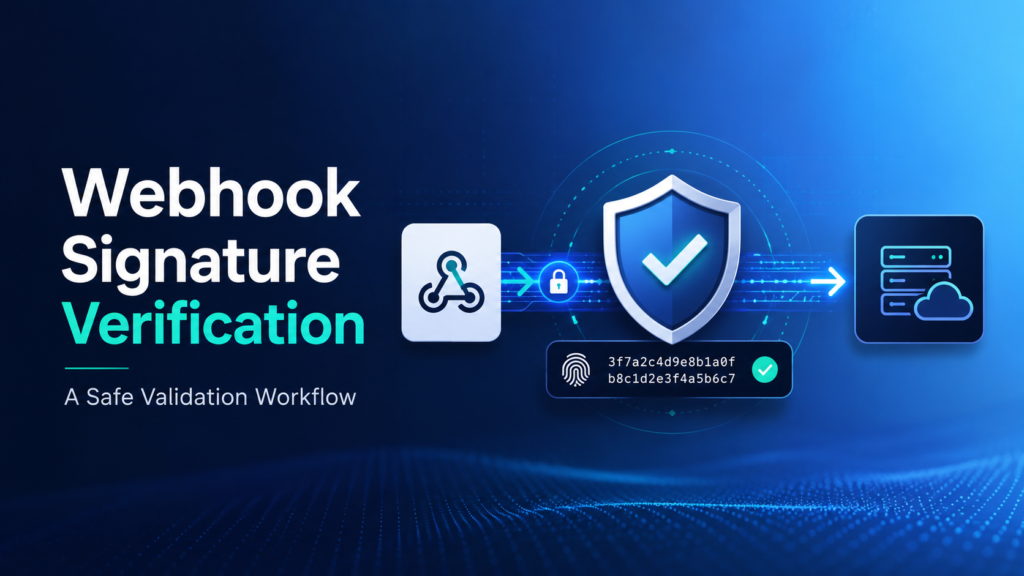
Webhook Signature Verification: A Safe Validation Workflow
Last reviewed: 2026-05-10. This EskiLab guide is written as a practical technical playbook, not a generic overview. It is designed to help teams build, test, fix, and monitor a working system around webhook signature verification.
If your team is dealing with webhook endpoints accepting forged, replayed, or malformed requests because sender identity is not verified correctly, the expensive mistake is usually not the first error. The expensive mistake is having no repeatable process for diagnosis, testing, ownership, and monitoring. This guide gives you a system you can adapt before the problem becomes a production habit.
What this solves
This guide helps with webhook endpoints accepting forged, replayed, or malformed requests because sender identity is not verified correctly. It focuses on practical implementation decisions: what to define, what to log, what to test, what to avoid, and how to know whether the system is actually working after deployment.
Who this is for
This playbook is for developers, SaaS operators, automation builders, and teams receiving payment, CRM, lead, or order events by webhook. You do not need a large engineering team to use it, but you do need a clear owner, a testing habit, and a willingness to document decisions instead of leaving them inside one person’s head.
Short answer
A safe webhook verification workflow keeps the raw request body, computes the expected signature with the shared secret, compares signatures securely, checks timestamp freshness, rejects replayed events, and logs only safe metadata.
When this problem usually happens
The issue usually appears when a workflow grows from a one-off setup into something the business depends on. A manual workaround may feel fine at low volume, but once traffic, records, events, or team members increase, undocumented assumptions become failure points.
Common triggers include platform updates, API version changes, new content batches, new product catalogs, automation retries, AI tool expansion, schema changes, or a new team member editing a workflow without knowing the original design assumptions.
Root causes and fast diagnosis
| Symptom | Likely cause | What to check first |
|---|---|---|
| Valid webhook rejected | payload was parsed or modified before verification | Verify against the raw body exactly as received. |
| Fake webhook accepted | signature header was ignored or optional | Reject requests without a valid signature. |
| Replay attack risk | timestamp was not checked | Enforce a freshness window and store processed event IDs. |
| Debugging is impossible | no safe event metadata is logged | Log event ID, provider, timestamp, and verification result. |
Use this table as the first diagnostic layer. Do not jump directly to rewriting the whole system. In most cases, the fastest path is to isolate whether the failure comes from input data, configuration, permissions, transformation logic, timing, or monitoring gaps.
Step-by-step implementation system
- Read the provider’s signature verification documentation before writing code.
- Capture the raw request body before JSON parsing or middleware transformation.
- Extract the signature header and timestamp header exactly as documented.
- Compute the expected signature using the provider’s algorithm and webhook secret.
- Compare the received and expected signatures using constant-time comparison where supported.
- Reject events outside the allowed timestamp window.
- Store event IDs to prevent duplicate processing and replay.
- Return the documented success response only after verification passes.
The important part is not only completing the steps once. The goal is to make the system repeatable. A future teammate should be able to read the workflow, understand the expected input and output, run a safe test, and know when to escalate.
Example setup
A payment event endpoint should verify the signature before creating an order, updating customer status, sending emails, or writing accounting entries. The event can be stored as pending after verification, then processed by a separate worker.
A good example setup has three layers: a safe test case, a production rule, and a monitoring rule. The test case proves the logic works. The production rule explains when it is allowed to run. The monitoring rule tells the team when the system has drifted away from expected behavior.
Common mistakes
- Parsing JSON before signature verification when the provider requires raw payload verification.
- Using the API key instead of the webhook signing secret.
- Accepting unsigned events in production for convenience.
- Logging full payloads that contain customer data.
- Not checking event age or duplicate event IDs.
- Treating webhook delivery order as guaranteed.
Risks and limitations
- Invalid verification can cause real events to fail silently.
- Skipping signature checks can allow forged business events.
- Replay attacks can duplicate orders, tickets, or notifications.
- Secret rotation can break production if old and new secrets are not handled during the transition.
- Webhook payloads may contain personal data and should be logged carefully.
These risks do not mean the system should not be used. They mean the system needs boundaries. EskiLab’s standard is to define safe operating limits before scaling: what the workflow can do, what it cannot do, what requires review, and what should trigger an alert.
Testing checklist
Before treating this as production-ready, confirm the following:
- [ ] Unsigned requests are rejected.
- [ ] Requests signed with the wrong secret are rejected.
- [ ] Requests with old timestamps are rejected.
- [ ] A valid test event is accepted.
- [ ] Duplicate event IDs are handled idempotently.
- [ ] Logs contain no full secrets or sensitive payload dumps.
Recommended setup
For most small teams, the recommended setup is to start with a controlled version of webhook signature verification, add validation before production actions, keep logs small but useful, monitor the system weekly, and update the playbook whenever a real failure teaches you something new.
Official documentation to check
Related systems
- Webhook Not Firing? Debugging Checklist
- API Monitoring and Logging Setup
- Automation Approval Workflow Design
FAQ
Is webhook signature verification a one-time setup?
No. Treat webhook signature verification as an operating system that needs review after platform updates, traffic changes, schema changes, or workflow failures.
What should I test first?
Start with the smallest safe test case, confirm the expected output, then test edge cases, failures, duplicates, and permission boundaries.
Can this system guarantee results?
No. It can reduce risk and improve consistency, but technical systems still depend on data quality, implementation accuracy, monitoring, and maintenance.
Who should own the workflow?
Assign one operational owner for the workflow, one technical owner for implementation, and one reviewer for quality or business impact when the system affects customers, publishing, or revenue.
How often should this be reviewed?
Review high-impact workflows monthly and after every major CMS, API, theme, plugin, model, or platform change.