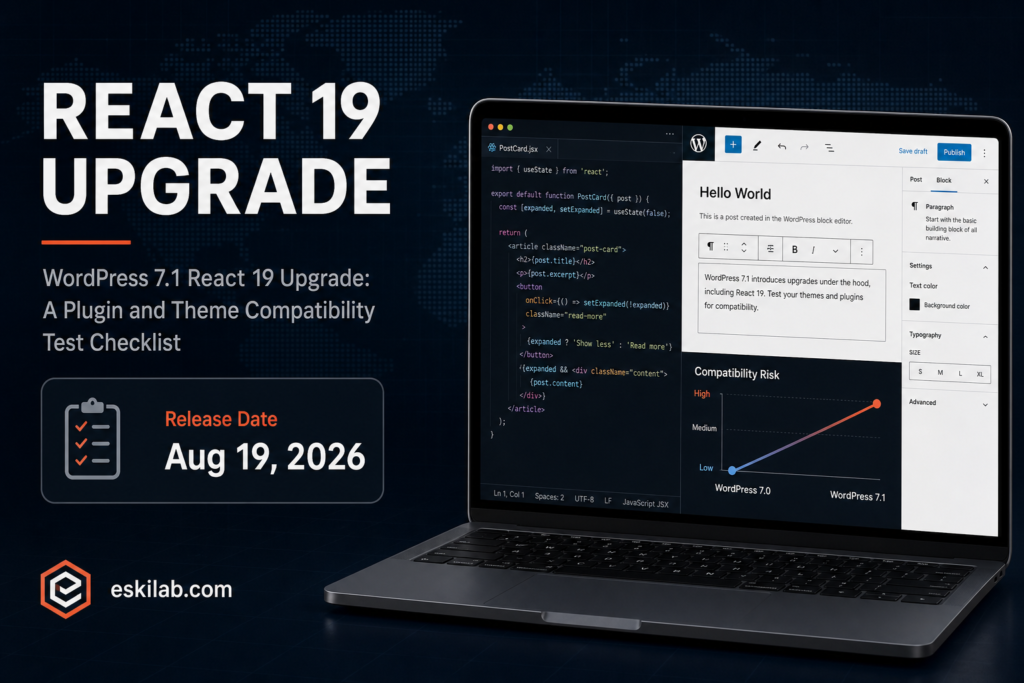
WordPress 7.1 is scheduled for August 19, 2026, and the headline change for anyone maintaining custom blocks or plugins is a full upgrade from React 18 to React 19 in core. That’s a bigger compatibility risk than 7.0’s additions — React major version bumps have a track record of breaking custom blocks that depend on internal behavior that changed between versions, not just the documented public API surface.
What 7.1 Brings
| Change | Compatibility Risk |
|---|---|
| React 18 → React 19 upgrade | High — any custom block using React internals, deprecated lifecycle patterns, or third-party React component libraries not yet updated for React 19 is a real candidate for breakage |
| New Playlist block with waveform visualization | Low — additive, doesn’t affect existing blocks unless you’ve built a custom audio block that conflicts with the new one’s namespace |
| Native Table of Contents block | Low to moderate — check for conflicts if you currently rely on a plugin-provided TOC block with a similar name or shortcode |
| Native Tabs block | Low to moderate — same consideration as the TOC block if a page-builder or theme plugin already provides tabs functionality |
| Notes suggestion mode and emoji reactions | Low — additive to the existing Notes feature introduced in 7.0 |
A Compatibility Test Plan Before August 19
- Inventory every custom block and third-party block plugin your site actively uses, and check each one’s changelog or repository for explicit React 19 compatibility statements — don’t assume “it uses the block editor” means it’s automatically fine.
- Test in a staging environment running the 7.1 beta or RC as soon as one is available, specifically exercising every custom block’s editing experience, not just confirming the front-end output still renders — React-level breakage often shows up in the editor UI before it affects saved content display.
- Check for duplicate functionality conflicts with the new native Table of Contents and Tabs blocks if you currently rely on a plugin providing similar functionality — decide in advance whether you’re migrating to the native blocks or keeping the plugin, rather than ending up with both active and confusing editors.
- Flag any custom code directly importing React internals or using patterns deprecated since React 18 — this is the highest-risk category and the one most likely to fail silently in production rather than throwing an obvious error in staging.
- Hold off on upgrading production the day of release if your site depends heavily on custom blocks — let a point release (7.1.1) absorb the first wave of compatibility bug reports from sites that upgraded immediately, the same reasonable caution that applied to WooCommerce 11.0’s own delayed release this cycle.
Why This Deserves More Caution Than a Typical Point Release
A major frontend framework version bump inside core is a different category of risk than new blocks or editor features, because it can affect code that never directly touches the new features at all — a custom block built two years ago against React 18 patterns can break under React 19 for reasons that have nothing to do with anything 7.1 is marketing as new. Budget real testing time for this one specifically, rather than treating it as routine because the visible feature list looks modest.