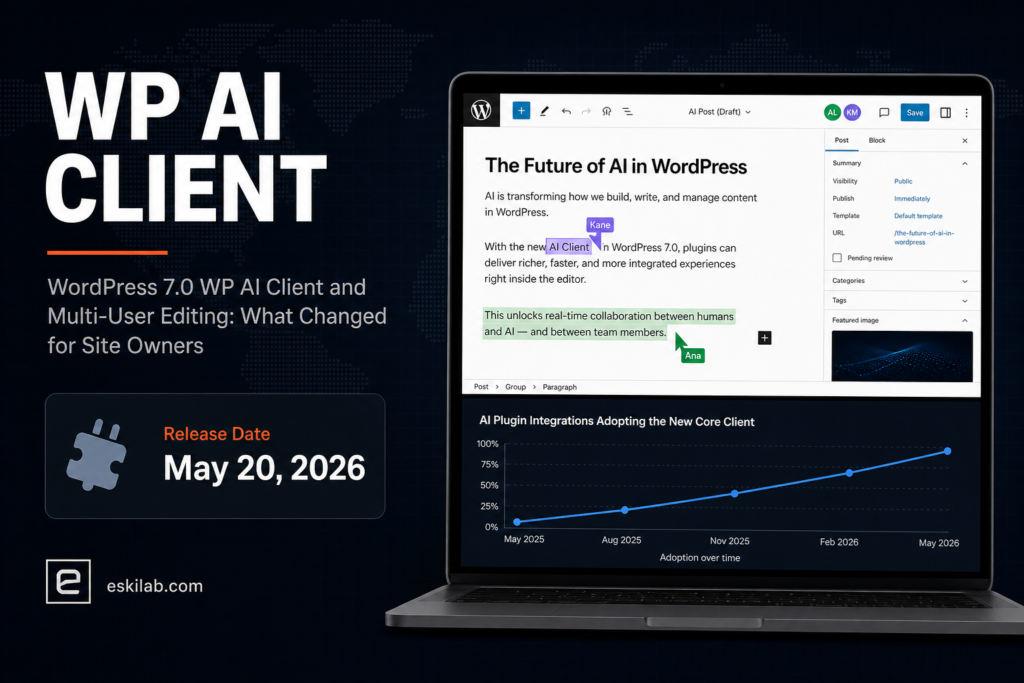
WordPress 7.0 shipped May 20, 2026 with a genuinely new core capability — the WP AI Client, a unified interface for integrating external AI models and plugins directly into core rather than every plugin building its own bespoke connection. It also shipped multi-user post editing, though not the version originally planned: real collaborative editing was pulled again after testing surfaced too many issues, leaving a simpler HTTP-polling sync model with WebSocket hooks for hosts to build on, rather than true real-time co-editing.
What Shipped, Versus What Was Announced
| Feature | What You Actually Get in 7.0 | What It Isn’t (Yet) |
|---|---|---|
| WP AI Client | A core-level unified API for plugins to connect to external AI models without each building separate integration code | Not a built-in AI feature end-users see by default — it’s plumbing for plugin developers |
| Multi-user editing | Default HTTP-polling sync so two people editing the same post don’t silently overwrite each other; offline edits sync on reconnect; hooks for hosts to add WebSocket support | Not the fully real-time, Google-Docs-style collaborative editing originally planned for 7.0 — that was pulled again |
| PHP-only blocks | Blocks can be built without requiring React, lowering the barrier for simpler custom blocks | Not a replacement for React-based blocks where richer interactivity is genuinely needed |
| Notes feature | Real-time syncing and a keyboard shortcut for inline comments | Not a full commenting/review workflow — check your existing editorial plugin if you need approval stages |
What to Check Before or Right After Upgrading
- Audit AI plugins for WP AI Client compatibility. If you run an AI-powered plugin (content generation, chat, SEO assistant), check whether its developer has moved to the new core client or still uses a legacy direct-integration approach — both may work, but a plugin adopting the core client is generally lower-maintenance going forward.
- Don’t expect multi-user editing to replace your editorial workflow tooling. The HTTP-polling model prevents silent overwrites between simultaneous editors; it isn’t a substitute for a dedicated editorial calendar or review-and-approval plugin if that’s what your team actually relies on.
- Test PHP-only block options for simple custom blocks — a block that just outputs a styled callout or a simple shortcode replacement is a good candidate to simplify without the React build step, freeing that up for blocks that genuinely need it.
- Confirm your host’s WebSocket support status if real-time sync matters to your team, since 7.0 only ships the hooks — actual WebSocket-backed real-time collaboration depends on your specific hosting environment implementing it, not on WordPress core alone.
Preparing for 7.1 While You’re Already in the Codebase
WordPress 7.1 is scheduled for August 19, 2026, built on a full upgrade from React 18 to React 19 — a much bigger compatibility risk for custom blocks and plugins than 7.0’s additions. If you’re already auditing plugin compatibility for 7.0’s changes, it’s worth extending that audit to flag anything with custom React-based blocks now, rather than treating 7.0 and 7.1 as two separate, unrelated compatibility projects three months apart.